
TYO Reach for Android
Install the TYO Reach app from Google Play, sign in, and you're on the Home tab — there are no security prompts to clear. If you're part of a team, your group's policy applies automatically the moment you sign in.
Install
Search for TYO Reach on Google Play (or use the link on the download page), install, open, and sign in with your TYO account. The app is organised into five tabs along the bottom: Home, Gateways, Rules, Activity, and Account.
Home — connect and see what's routed
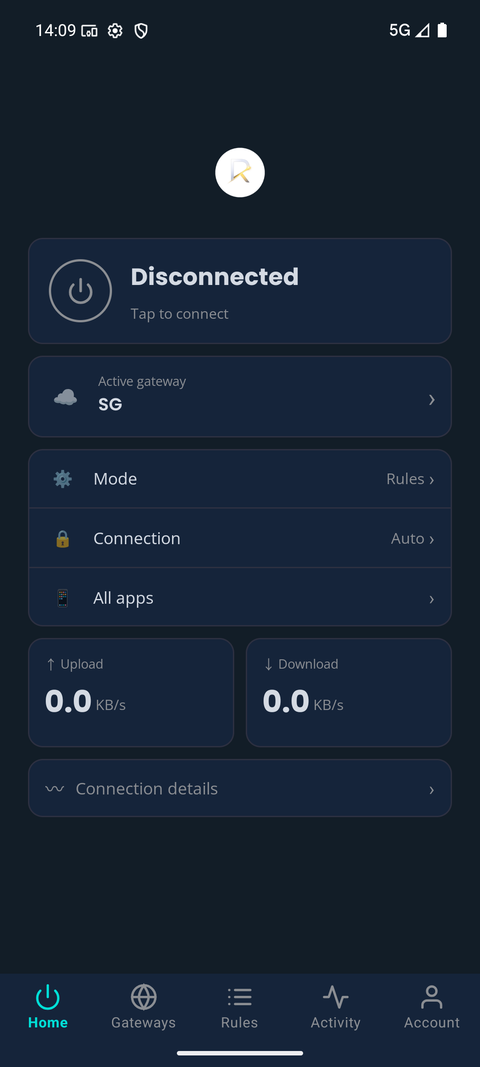
Tap the power button to connect. Active gateway shows which region your traffic is currently exiting from, Mode and Connection show your current routing settings, and All apps shows what's currently being proxied. Upload/download speed and connection details appear live once you're connected.
Gateways — choose your exit region
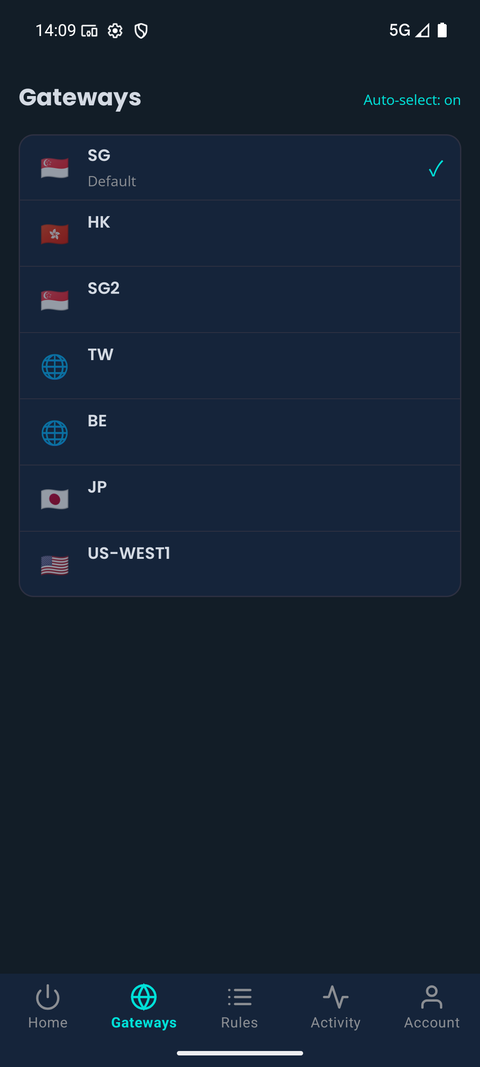
Pick which region your traffic exits from. By default auto-select picks the fastest gateway for you (SG is shown here as the default) — turn it off to pin a specific region instead.
Rules — control what gets routed
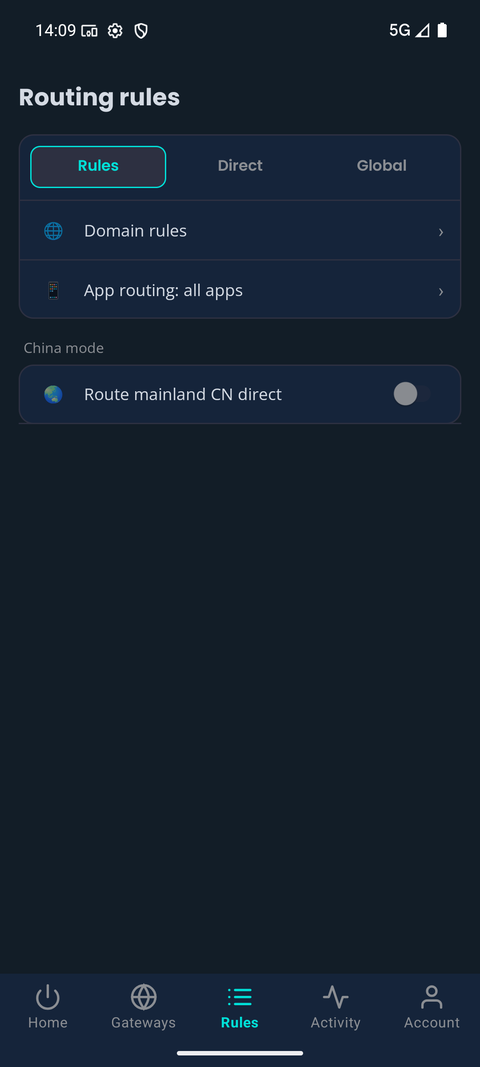
Configure Domain rules and App routing (switch between Rules, Direct, and Global modes) to control exactly what's proxied.
Activity — see what's actually happening
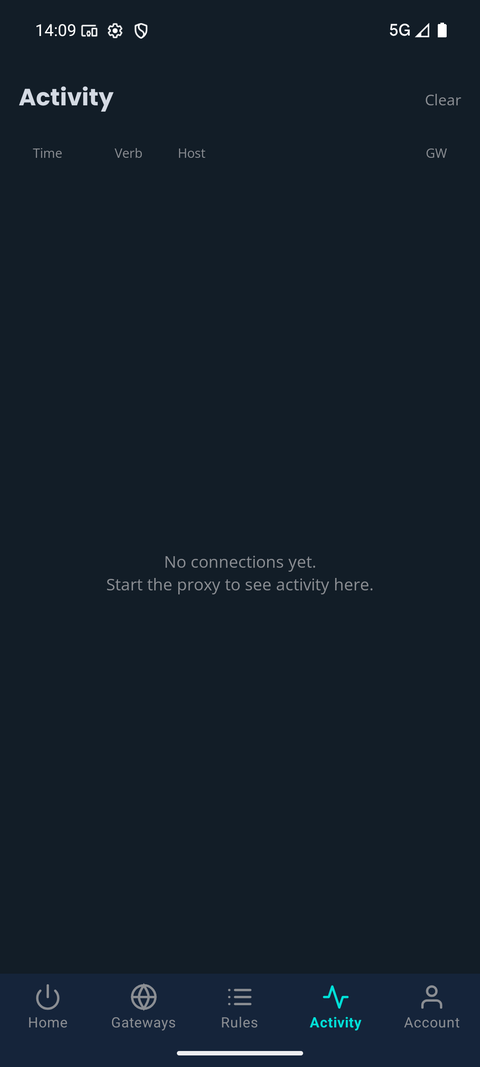
A live log of connections — time, verb, host, and which gateway handled each request. Useful for confirming Reach is routing what you expect it to.
Account — plan, usage, and sign-in
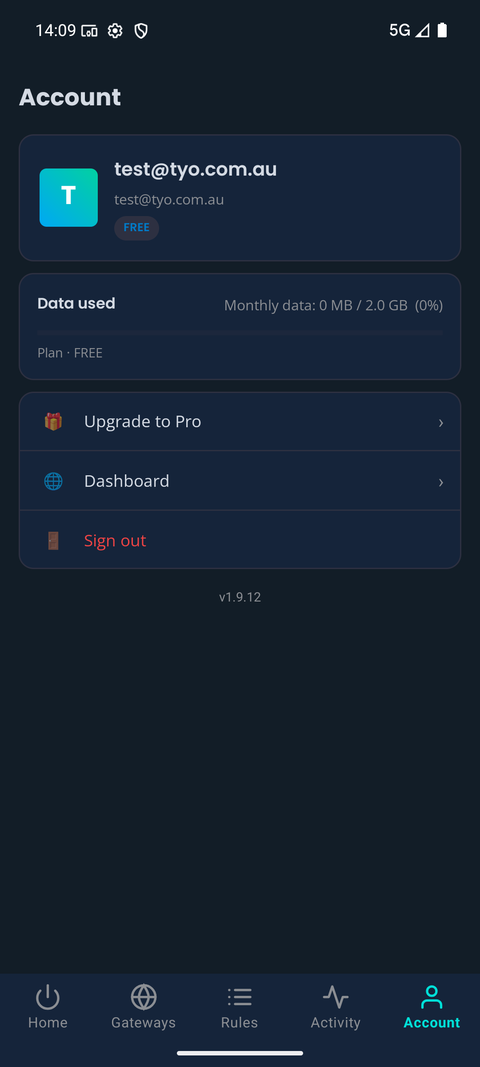
Your signed-in account, current plan, and monthly data usage, plus quick links to Upgrade to Pro, the Dashboard, and Sign out.
Teams
Sign in with your group account and your team's routing policy, gateway selection and rules arrive automatically — nothing to configure on the phone. Admins manage it from the team dashboard.
Common questions
Does the Android app route every app on the phone?
Only what your rules say. App routing lets you choose Rules, Direct or Global mode, and Domain rules decide which hosts go through the gateway — the rest stays on your normal connection.
Can I use one account on my phone and my laptop?
Yes. One TYO account covers your devices, up to the device limit of your plan (see pricing), and both can route through the same gateway at the same time.
Other platforms
Windows · macOS · Linux · iPhone and iPad · All platforms